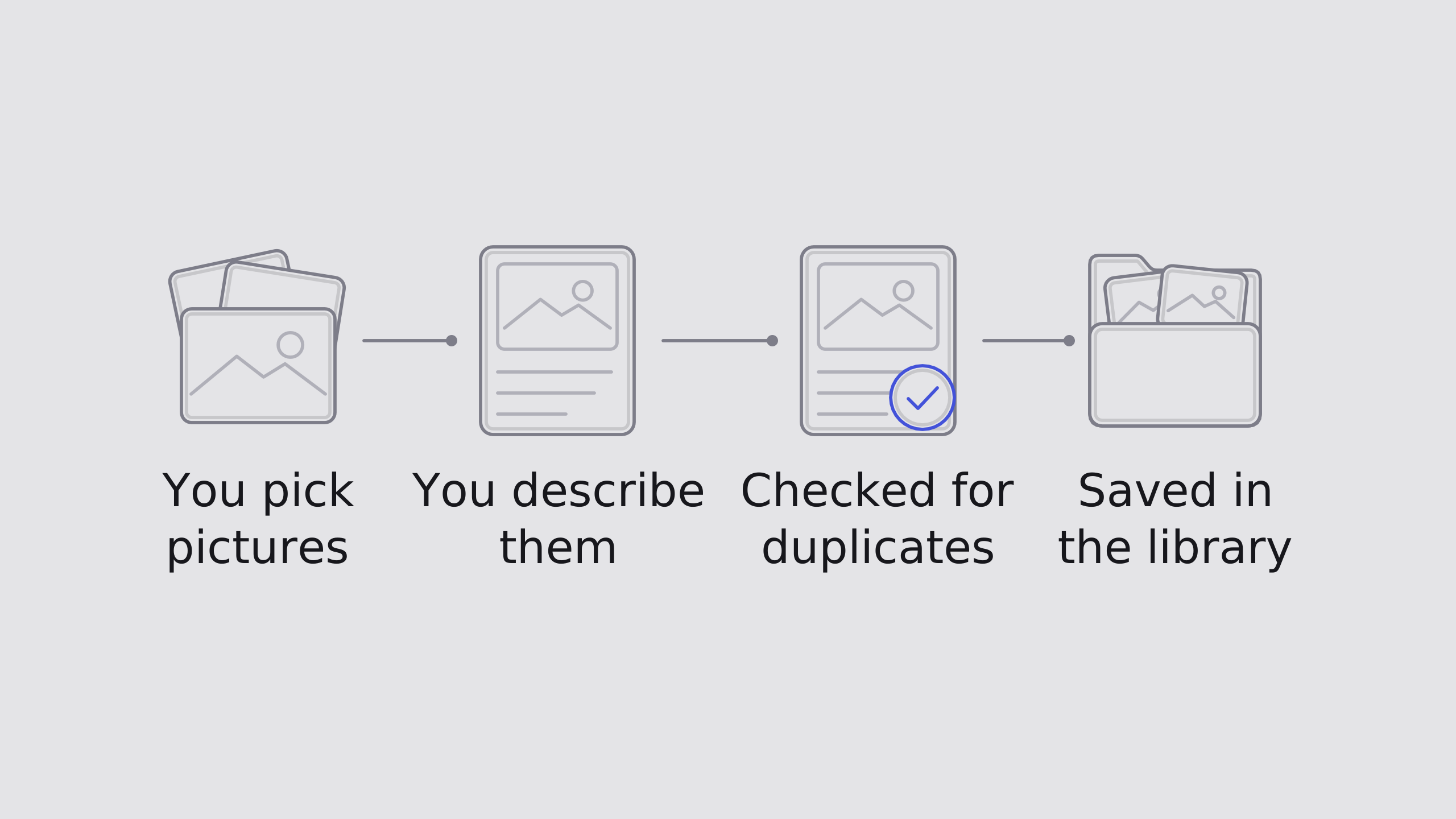
Uploads go straight into the library everyone shares. There is no test copy, so an incorrect file or a missing description is a problem for everyone using it. Each file needs a description, at least two keywords and the fields the library requires. Dropdown options come from the image library, so the fields only offer the library's own choices.
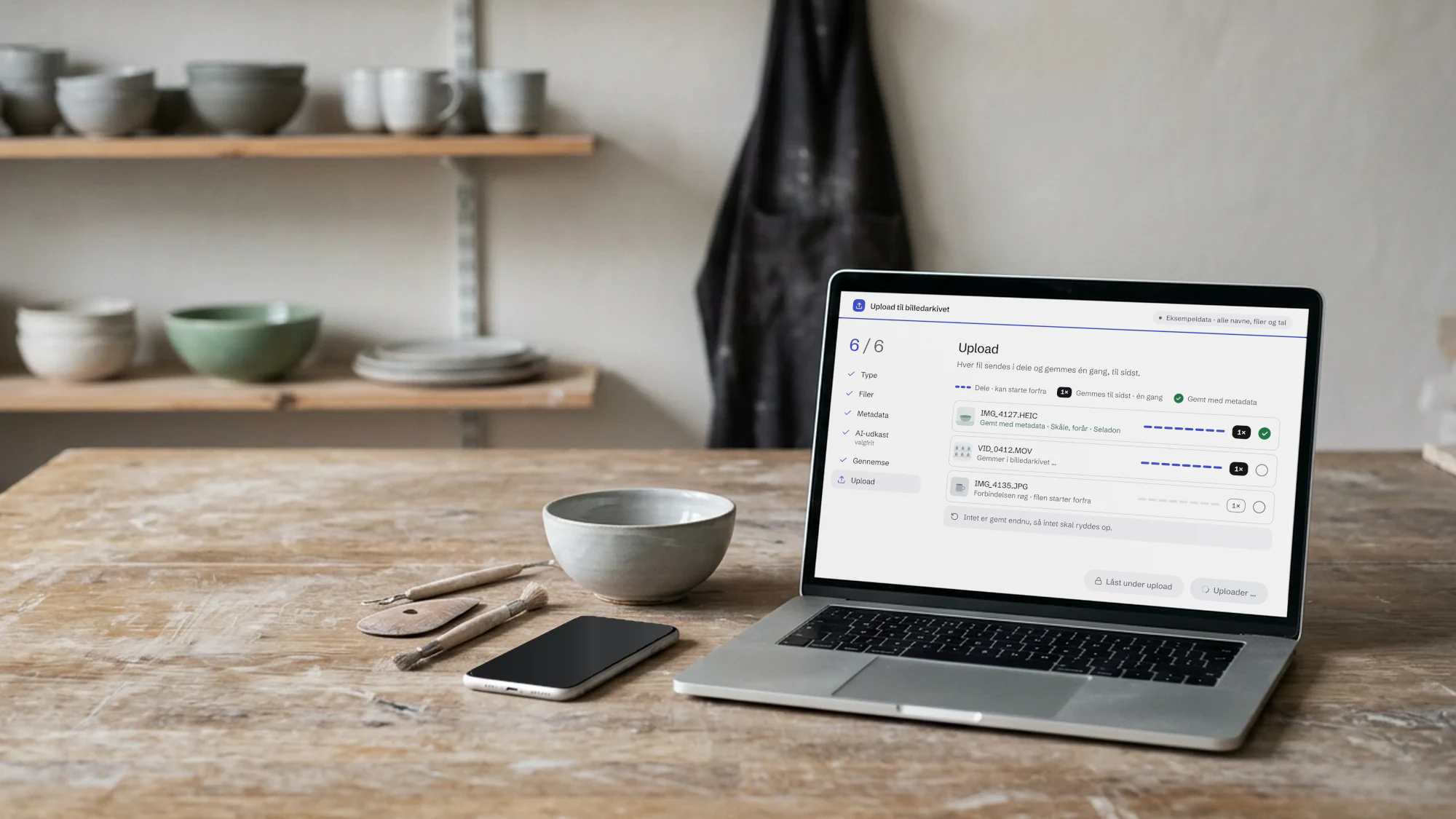
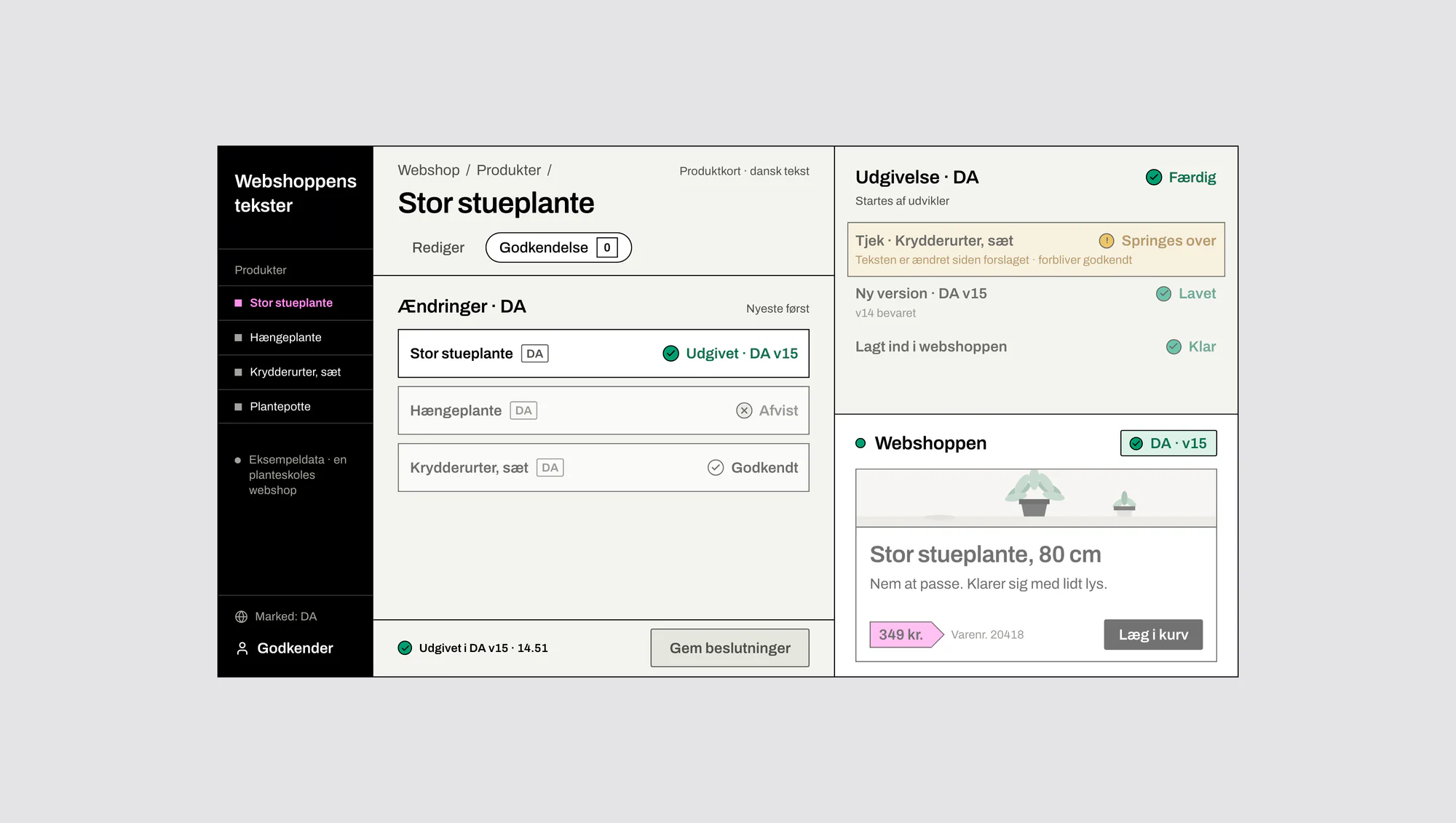
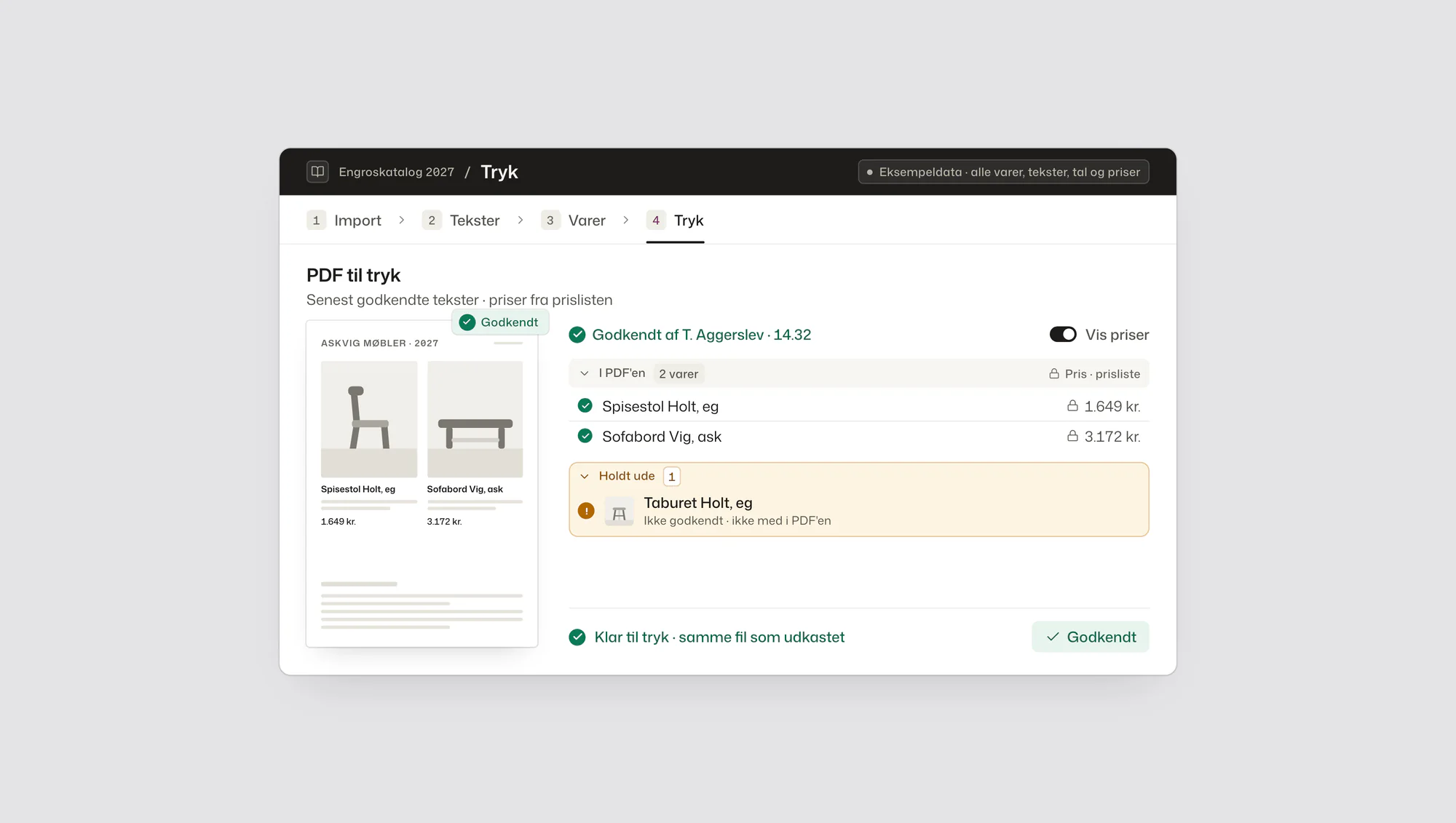
The photo, video and screens use a ceramics studio as the example, and every name, file and number is example data.
The archive gate flags possible duplicates before upload so they can be skipped. Optional AI drafts can suggest descriptions and keywords for individual photos. If a file already has a description, AI leaves it alone. A person decides.
If an upload fails, the person uploading is told what kind of problem occurred. The full details are saved in the log. Only employees can upload, and they sign in with the company's own accounts. The outcome of every upload is recorded too. The archive gate was delivered with documentation for developers, step-by-step guides for users and help inside the app.
The archive gate also converts image formats from phones, shrinks oversized images and makes stills from a video so it can be described. Nobody has to convert anything first. Each file is sent in parts and saved only after the whole file has been transferred. If the connection drops during transfer, the affected file starts over. None of the file gets saved.